
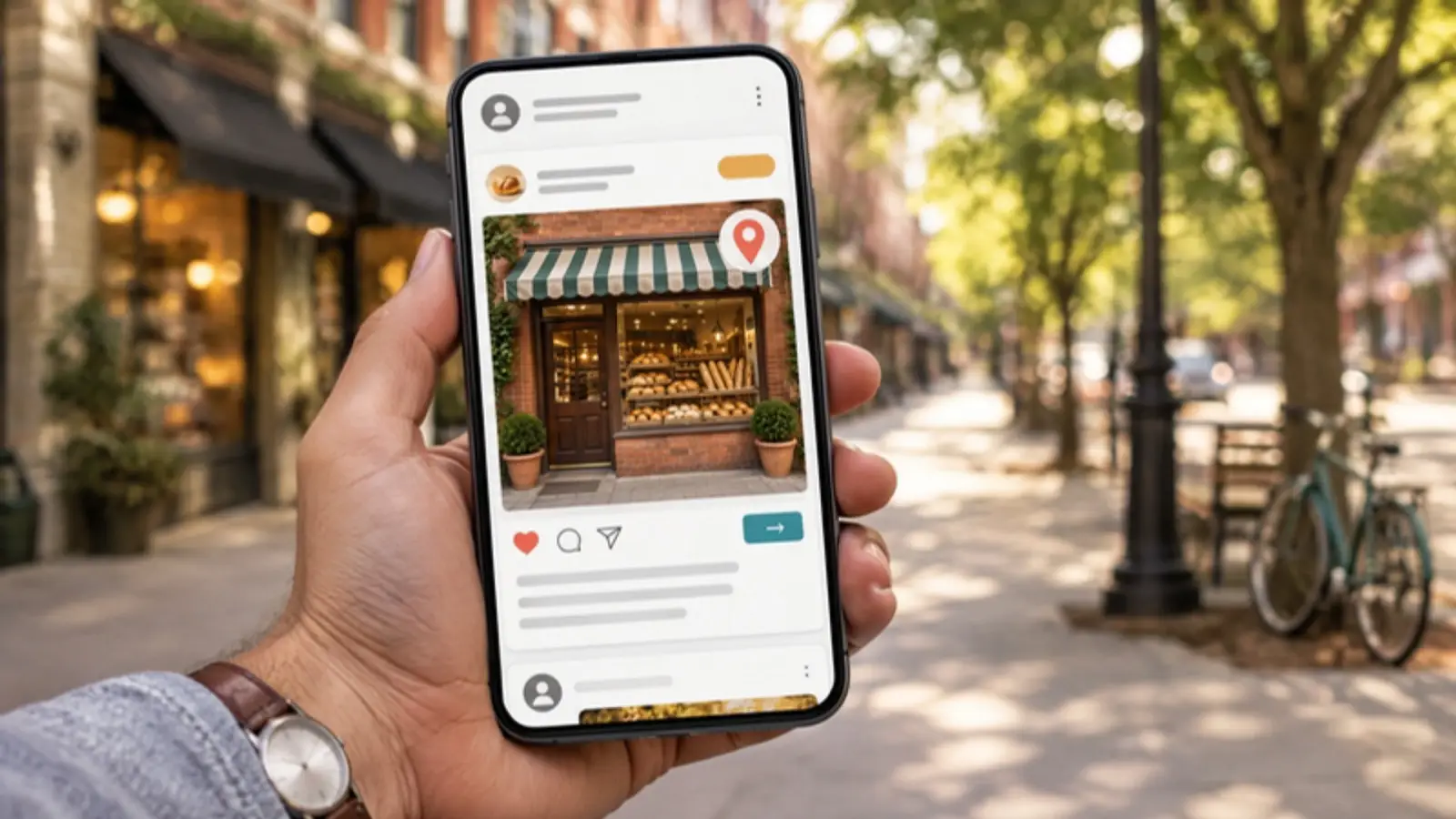
To run Meta ads for a local business, choose the objective that matches the action you want (usually leads or sales), target a tight area around where you work, use real photos and short video, decide whether a lead form or your website will collect the inquiry, and set up the Meta Pixel and the Conversions API so you can see what the ads produce. Keep the first campaign simple and judge it on calls and leads, not clicks.
This guide walks through those decisions in order for owners of service, retail and restaurant businesses.
Which campaign objective should you choose?
Meta’s Ads Manager offers six objectives: Awareness, Traffic, Engagement, Leads, App promotion and Sales. The objective tells Meta’s system what kind of action to look for, so pick the one closest to what you want people to do.
- Leads: for getting quote requests, estimates, appointments or calls.
- Sales: for purchases on your website or catalog, such as an online store.
- Traffic: sends people to a page. It brings clicks, but not always customers.
- Awareness and Engagement: reach and interaction. They suit a grand opening or an event, not a steady flow of inquiries.
The objective is locked once the campaign is created, so choose carefully. For most local service businesses, Leads is the right start. A retailer with an online shop will usually want Sales.
How do you target a local area?
Location targeting is where local businesses can save the most money. Meta lets you choose places such as cities, ZIP codes, or a radius around an address or dropped pin. Per third-party guides, ZIP codes include the whole area with no custom radius, while a radius is drawn around a point you set.
- Match the area to where you really work. A plumber with a 20-mile service area gains nothing from reaching the whole metro region.
- Choose who you want to reach: people who live in the area, or also people recently there. A restaurant may want both; a roofer likely wants residents.
- Exclude places you do not serve.
- Check the actual places your ad reaches in the reports, because location data is never perfect.
If you want to reach people at a specific place or event, see our geofencing marketing option.
What kind of creative works for local ads?
People scroll past ads that look like ads. Use content that looks like what your customers see from real neighbors and businesses.
- Real photos and video: your team, your work, finished jobs, your storefront. Avoid generic stock images where you can.
- A clear first line: name the service and the town. “Water heater not working in Marietta?” beats “Quality service you can trust.”
- One offer and one action: a free estimate, a seasonal special, or a booking button.
- Short vertical video: shot on a phone, with captions, since many people watch without sound.
- Proof: a real review quote or a before and after photo, used with permission.
Make two or three versions and let the results show which one works. Replace creative when response drops.
Should you use a lead form or send people to your website?
Both can work, and the answer depends on what you can handle.
Lead forms on Facebook and Instagram
Meta’s instant forms open inside the app and prefill contact details from the person’s profile, so they are quick to complete. Ads Manager offers form types, including “More volume,” which is fast to submit, and “Higher intent,” which adds a review step before sending. A form that is too easy can bring more low-quality leads, so add a custom question or two and call new leads promptly.
Your website or landing page
Sending people to your site gives you more room to explain and lets you track the visit with your own tools. It usually brings fewer inquiries per click but can bring better ones, if the page is clear and loads fast. Our conversion rate optimization work focuses on those pages.
A practical approach is to test one campaign of each type with the same budget, then compare cost per qualified lead, not cost per form.
What is Advantage+ and should you use it?
Advantage+ is Meta’s name for its automated options. Two names you may see in Ads Manager are Advantage+ sales campaigns (formerly Advantage+ shopping campaigns), which automate much of the setup for online stores, and Advantage+ leads campaigns (formerly automated lead ads). Advantage+ also appears as settings for placements and audiences.
The trade-off is the same as with other automation: less work for you and less control. For a local business, automation works best when you give it good inputs: accurate location settings, strong creative and reliable conversion data. Keep manual control of your location and your budget, and review where the money goes. If you want a hand on the controls, our Meta and TikTok Ads service sets up sales and catalog campaigns, including Advantage+, with ongoing creative testing.
How do you track results with the Meta Pixel and Conversions API?
The Meta Pixel is a snippet of code on your website that reports visitor actions back to Meta. The Conversions API sends the same kinds of events from your server. Meta recommends using them together, which it calls a redundant setup, so events still reach Meta when browsers block or lose the Pixel signal.
When both send the same event, Meta needs a way to count it once. Meta’s developer documentation explains deduplication using a shared event ID on both copies. If it is set up wrong, you may see doubled numbers.
- Install the Pixel and confirm that it fires for page views and for your key actions, such as a form submission or a call click.
- Add the Conversions API through your website platform’s integration or Google Tag Manager server container.
- Check in Events Manager that events from both sources match and are deduplicated.
- Compare Meta’s lead count with the real leads in your inbox or CRM each month.
Our Conversion Tracking and Attribution service audits these tags and checks them against actual orders and calls.
A local Meta ads checklist
- The objective matches the action you want, usually Leads or Sales.
- The location covers only your real service area.
- Creative uses real photos or video, with a clear local headline and one offer.
- You know who will answer new leads and how fast.
- The Pixel and Conversions API are both live and deduplicated.
- You compare cost per qualified lead, not clicks.
- You review ad reports monthly and replace tired creative.
Frequently asked questions
How much should a local business spend on Meta ads?
There is no right number for everyone. Start with an amount you can sustain for several weeks, and increase it only after you see qualified leads.
Why do my leads seem low quality?
Often the form is too easy or the audience too broad. Add a qualifying question, tighten the area, and follow up quickly.
Do I need both the Pixel and the Conversions API?
Meta recommends running both. Either one alone can miss events.
Can I just boost a post?
Boosting is quick, but it limits your choices. Ads Manager gives you control of the objective and tracking.
Want Meta ads that track to real customers?
BERI Consulting plans, builds and measures Meta campaigns for local and service businesses. Book a discovery call to talk it through, or begin with a free website scan. For lead handling, see our Lead Generation page.


